A Man with a Van
A few months ago, we made our biggest and most expensive purchase ever (excluding houses, that is). And yet, it is almost a house, sort of, in a small way...
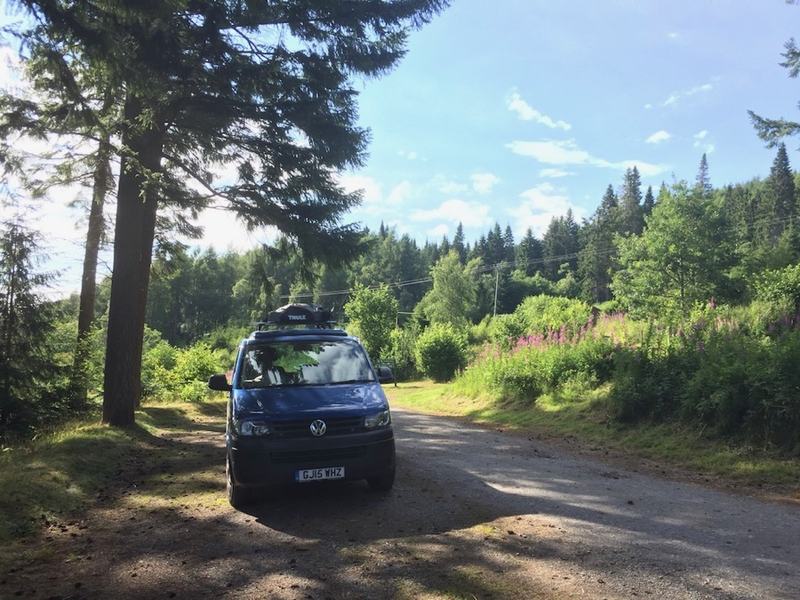
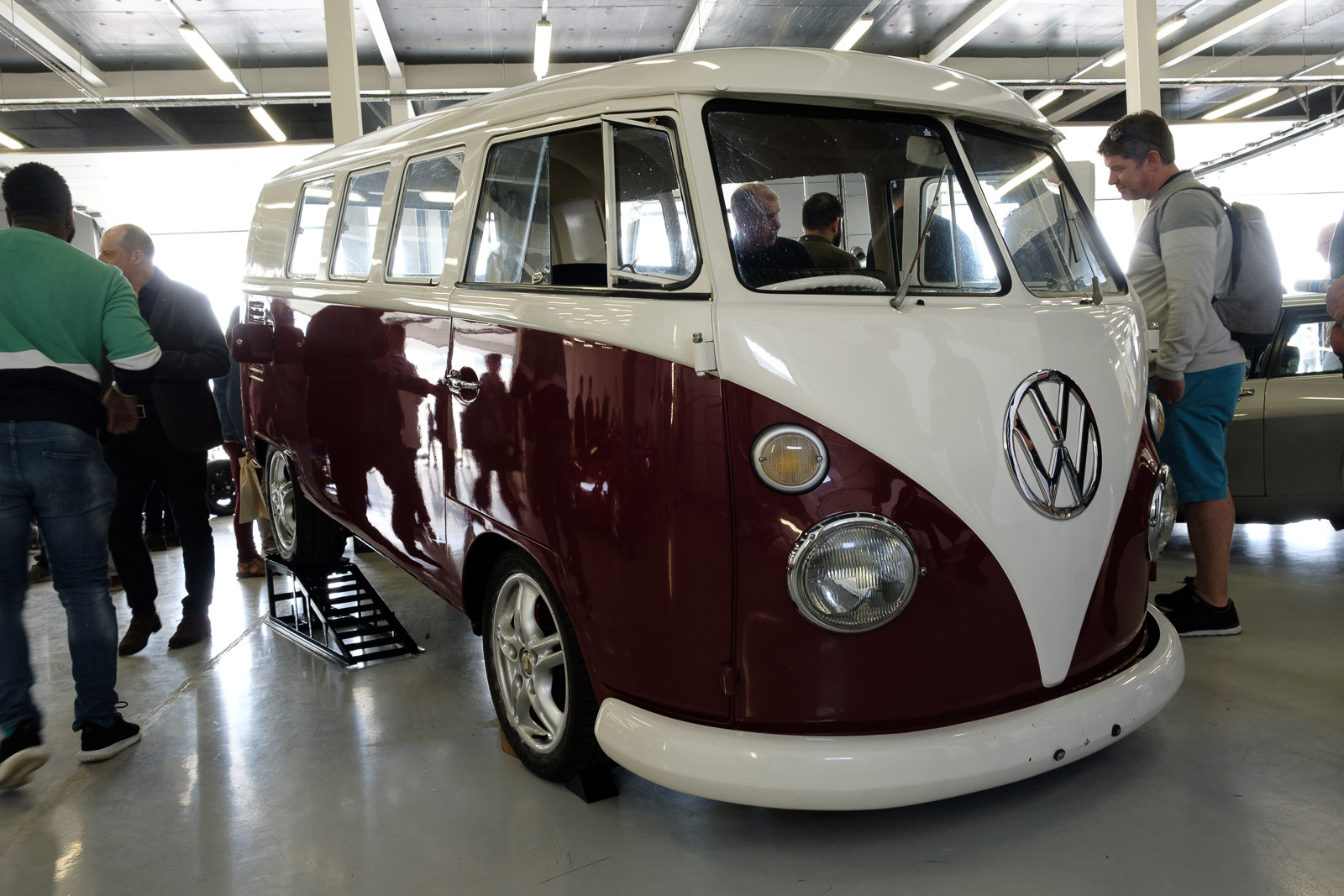
We bought a campervan. Or, to be more precise, we bought a three-year-old Bilbo's Nexa, based on a long wheelbase VW T5 Transporter.
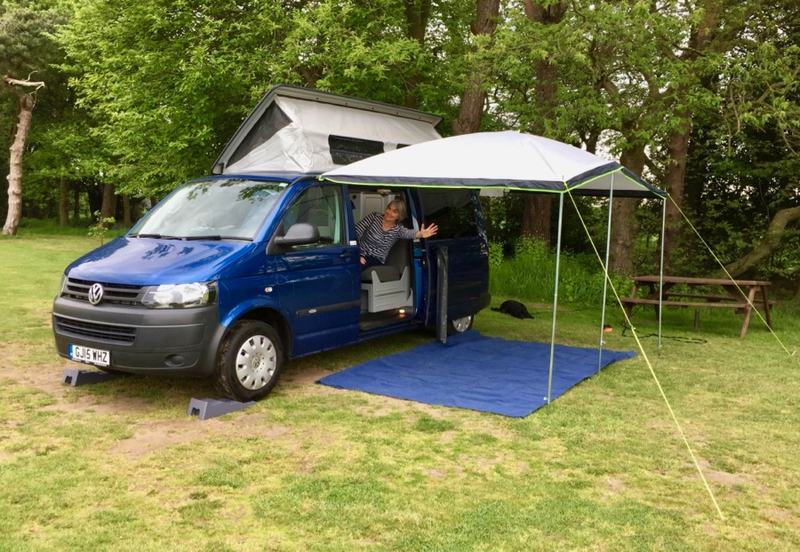
This is something we'd considered for some time. We had borrowed a friend's (rather larger) van for a few long weekends, and we had also rented a smaller one for four nights in the spring. On each occasion, we joked about the luxury Bed & Breakfast establishments we were driving past in order to go and stay in a field! On the other hand, we came back from each one having had an enjoyable adventure, and having seen the world from slightly different angles than we would otherwise have done.
Another reason for initial hesitation, of course, is that these things are terrifyingly expensive, especially if you get one that's even vaguely new. The small vans based on the VW Transporters command a particular premium, partly because it's such a good base vehicle, partly because the builders have to work harder to pack everything inside, and partly because it can also double-up as your everyday vehicle if you need it to. (At just under 2 metres tall, for example, these can be driven into almost any car park, including multi-storey ones.) The only thing that allowed us to consider such an extravagant purchase is the fact that they depreciate more slowly than almost any other vehicle you can buy. After a few years you can sell one for almost as much as you paid for it, especially if it's from a respected company, and, in the UK, Bilbo's have been doing these van conversions successfully for more than four decades.
I suspect that half our friends think we're mad and the other half are envious. But if this isn't a mode of transport you've tried or even considered, I should explain that there are almost as many different ways of approaching campervanning as there are people doing it.
For some, it's a way of entertaining the kids by getting them out of a crowded city suburb, so they head for the big campsites where it's easy to park large vans near to tumble dryers, playgrounds, and sometimes even swimming pools.
In our case, we usually want the opposite: a key thing we're looking for is peace and quiet. This means that we tend to aim for smaller sites, typically with fewer than 10 pitches; a few of them are even adult-only.
The trade-off is that these tend to have fewer facilities; some are little more than a field with a tap and some electric hook-up points. We do have a portable loo in the van, with a fine loo tent we can pitch when needed, and it turns out that these have been refined over the years to be really quite civilised; it hasn't been an issue for us at all. But a good shower is definitely nice to have, and vans the size of ours don't come equipped with such things. So we tend to make sure, when on the road, that we stay somewhere with showers at least every other night!
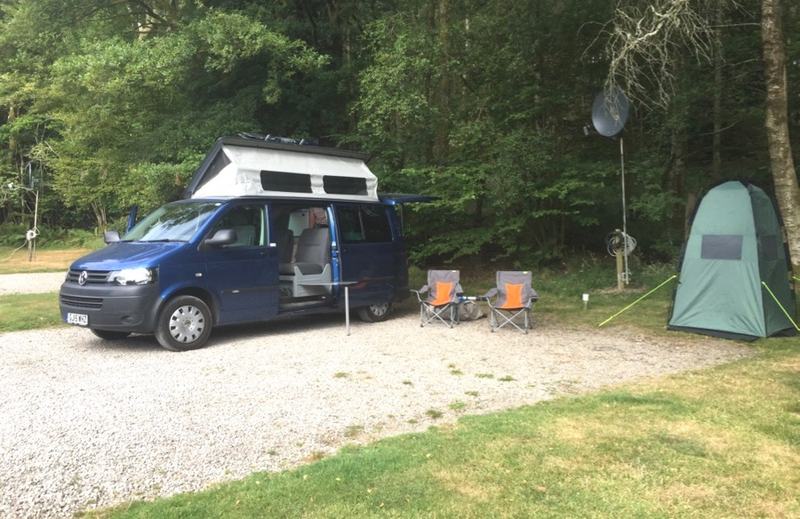
In the UK, these small sites are known as Certificated Sites (or Certificated Locations), if they're inspected periodically by one of the two big clubs, but there are many independent ones too, and there are thousands to choose from, so finding one you like is not too hard. We've passed through some that were fine as a one night stop but that we wouldn't particularly choose to revisit, and others where we've had a delightful time, and have already returned to more than once, even in the limited time we've been doing this.
The big sites can also be fine - a favourite of ours is the Camping Club one at Sandringham - but we've only stayed there out of season and out of school holidays, when there are large areas of empty space (and often clusters of trees) between you and the next occupant, and yet just a short grassy stroll to plentiful showers and dishwashing facilities.
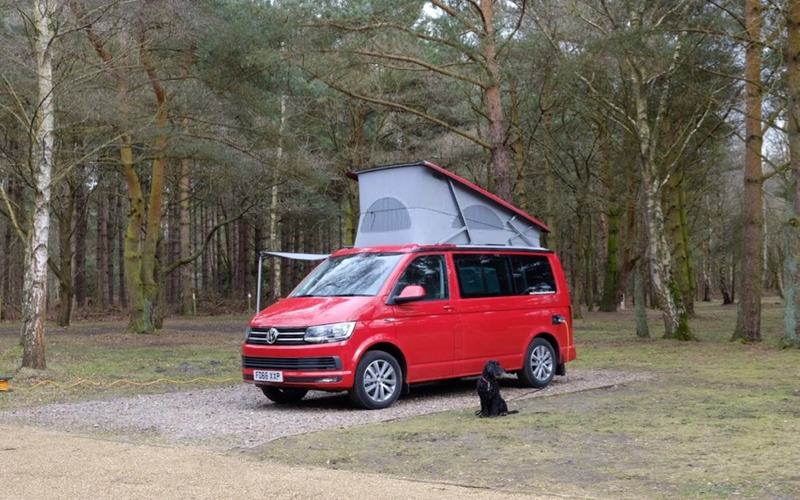
For those who say that it's not real camping, I would agree, but I also enjoy the fact that we can pitch up, pull fresh milk from our fridge and be enjoying a cup of tea while we they're still unpacking their tent-poles. For those who wonder why we don't get a bigger and more comfortable van (which we could easily do for the same price), I would point out that our aim at present is exploration more than relaxation: we want to get to our location and be able to drive around the local sites without worrying about parking spaces, height barriers, low tree branches etc.
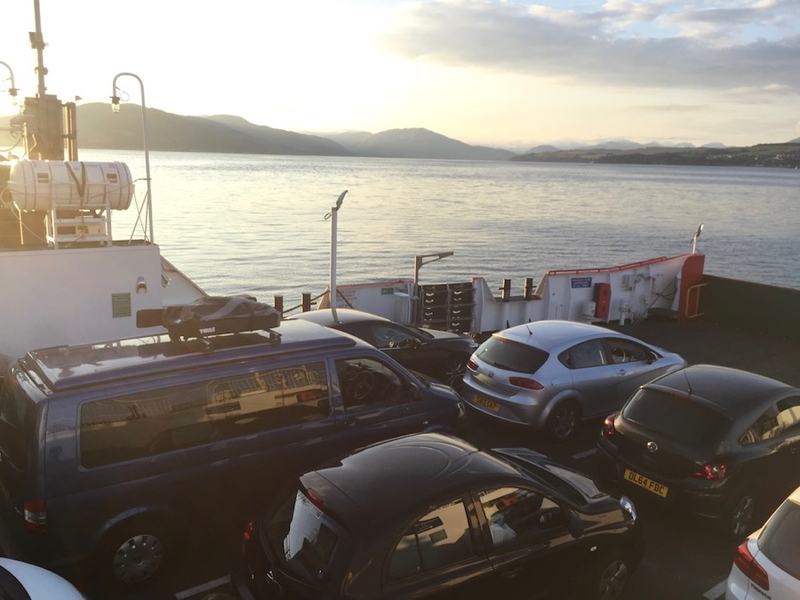
We've just come back from a wonderful two-week trip which took us up the west coast of England and Scotland to spend a few nights staying with friends near Arisaig, and then back down the east coast visiting places like Lindisfarne (Holy Island). Here we are on the causeway out to the island, on one of the two damp days we had on the whole trip:
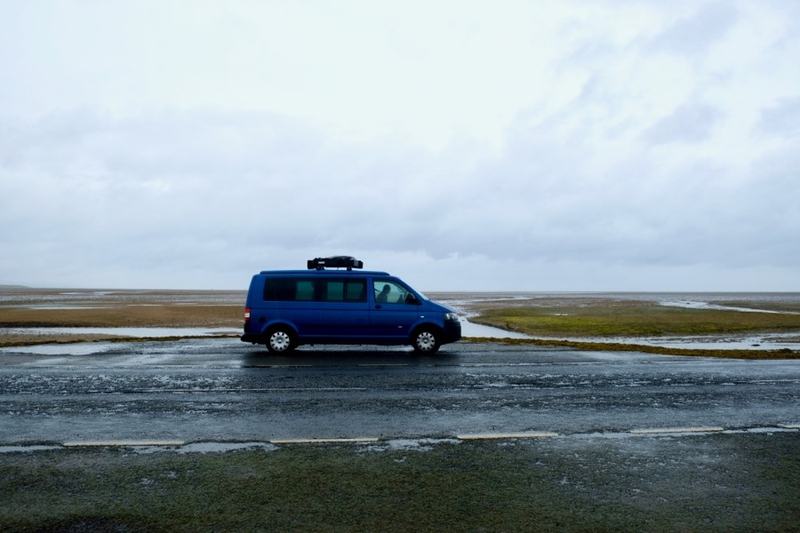
(This road is underwater at high tide, so you need to time your visits carefully.)
In general, though, I expect most of our trips will be of shorter duration. For me, part of the fun is just having a vehicle with a fridge, table and gas hob in it, so that you can have lunch almost anywhere you find a good view.
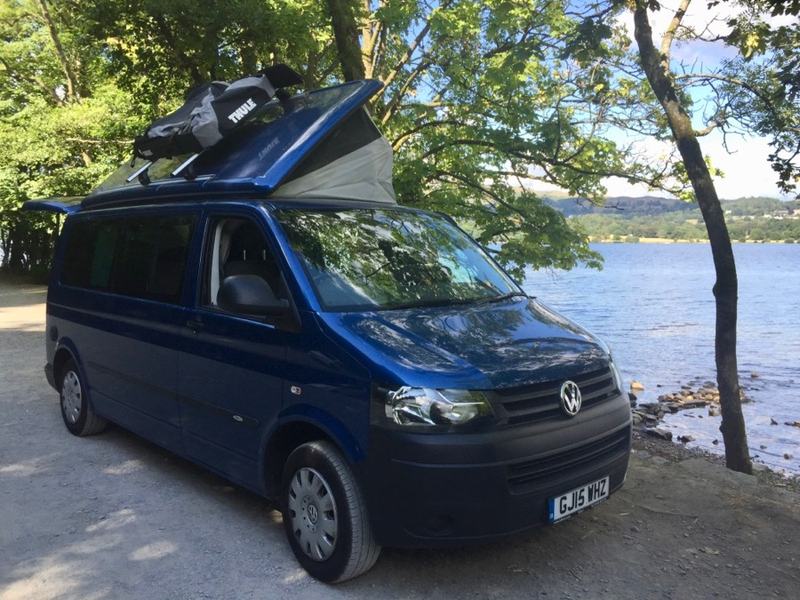
This is a small car park on the shores of Lake Windermere - we had just come back from a swim: it's a changing-room too!
I've no idea whether this will be a lifelong obsession, or just something we enjoy for a couple of years before going back to luxury B&Bs :-) But it's fun at the moment!
Update after a few months: I've also now made a list of some of the accessories we've found to work particularly well for us; you can find it here.