Category: Gadgets & Toys

Equipment for recording lectures

One of the big challenges facing lecturers in the University here is that, for at least the next term and probably the whole academic year, all of the lectures need to be recorded. Most of the small-group teaching, practical sessions, and so forth will be going ahead -- with extensive Covid-prevention measures in place -- but there's no way we can pack big lecture halls full of people in the way we've become accustomed to over the last few centuries, so lectures will all be delivered online this year.

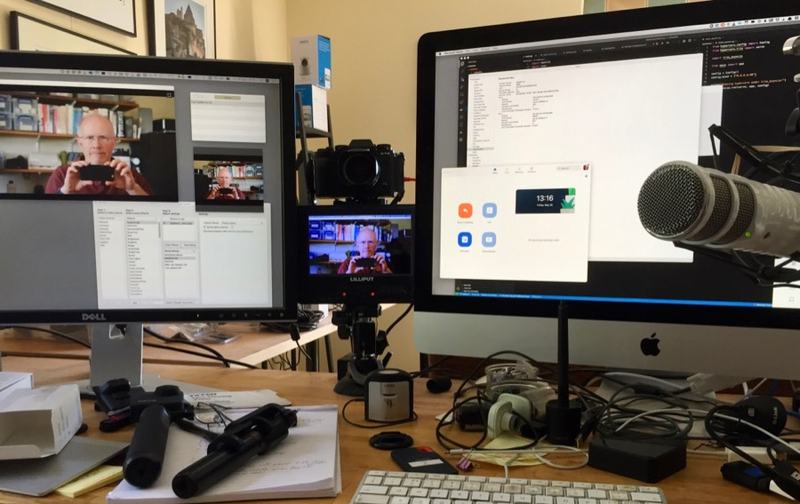
One aspect of my University job recently has been to find and evaluate some of the kit people might want to use for recording, either at home, or in the meeting rooms in the department that we're equipping for this purpose. (At home, the sitting room has been converted into a recording studio for the 21 lectures Rose needs to get on disk!)

I've been making videos of some of my tests and experiments, mostly for internal use, but some of them might be helpful to others. If you should be considering purchasing a USB desk-standing microphone, for example, you might be interested in one of my recordings from yesterday:

I've been gathering some of these into a YouTube playlist as well:

Recording Equipment for Lockdown Lectures

I'll add more there in due course, so do subscribe to my channel if it might be of interest.

Experimenting with a Sony ZV-1 while walking around Barrington

I've been experimenting with a Sony ZV-1. This is a compact yet very capable camera, and if I wanted to purchase something explicitly for vlogging, this might well be it. Assuming I wanted to spend 700 quid in the process, of course.

Yesterday, I took it with me while walking the dog, and was really quite impressed. In the process, I produced a video which talks too much about a particular bit of Cambridgeshire for those who are interested in cameras, and too much about cameras for those primarily interested in walks in Cambridgeshire.

I fear the overlapping set in this Venn diagram may be rather small, but it was for my own interest more than anyone else's; I'll just put it here just in case there should turn out to be anyone else in that small and exclusive club of South Cambs Vlogging Dog Walkers...

(Most of the audio is recorded using an Instamic)

First experiments with an Instamic

New toy! I bought an Instamic: a tiny voice recorder that I wanted to use in situations where conventional microphones might be difficult or a nuisance, especially when I'm recording with my GoPro Max, which has no facility to take an external mic input.

Here's my quick first test on yesterday's dog-walk, in case it's of interest!

One man and his vlog

Yesterday I realised I was looking particularly suave and debonair, so decided it would be the right time to point a camera at myself. Mmm...

If you want to try using a decent digital camera for videoconferencing, you normally either need:

  • something which will capture an HDMI output signal from your camera and feed it into your computer over USB, like the Elgato Cam Link,

  • or you need some software which can capture the live preview output and make it available to your operating system as if it were a locally-connected camera. On the Mac, I do this with a combination of Camera Live - which makes it avaliable as a 'Syphon' server - and CamTwist, which can take a variety of inputs, including Syphon, and blend them into a 'virtual camera' output. There are various tutorials online on how to do this. OBS is a similar popular app, but doesn't yet support virtual camera output on the Mac.

  • Finally, for some versions of some Mac apps, you may need to remove the app's signature (which identifies it with a certain set of permissions), to enable it to see virtual cameras as well as physical ones. At the time of writing, Zoom needs:

$ codesign --remove-signature /Applications/zoom.us.app/

P.S. Sadly, various other people have used the phrase 'One man and his vlog', so I can't pinch it on any kind of long-term basis :-)

Watching the map

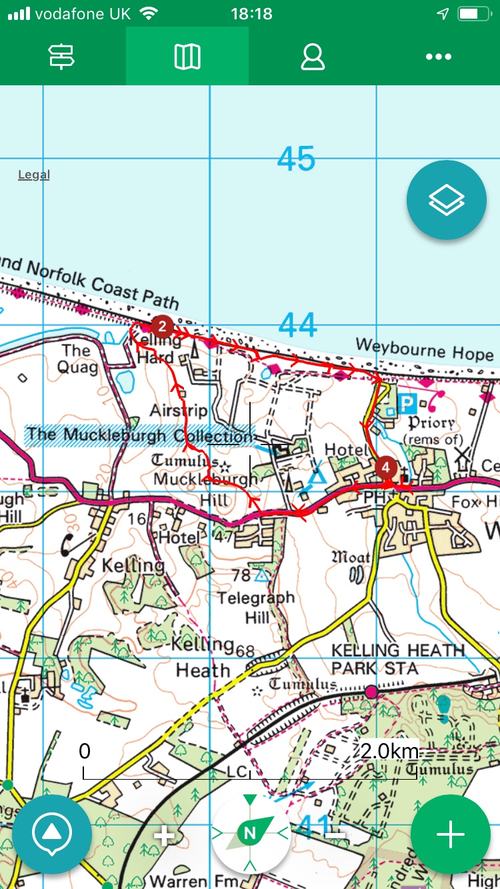
A screenshot from the appI've long been a fan of the ViewRanger app for handling maps on my phone. I know I've been using it for at least 8 years, because I have tracks recorded from early 2012.

With it, you can use free maps, and buy commercial ones from a range of sources, in many countries, and pay for them in a variety of ways: subscriptions, individual purchases, or -- the method I use because I started before the days of in-app purchases -- buying a block of credits up front and using them as needed to purchase the map tiles you're interested in. ViewRanger isn't perfect: I find bits of its user interface very counter-intuitive, but in general it's served me very well.

Another worthy contender for UK users, by the way, is the app UK Map, written by a good friend of mine, and which I've been using even longer than ViewRanger. UK Map has always provided a great combination for users here: a standard basic UK road atlas, always available offline; the ability to download the free Ordnance Survey maps (since almost the moment they became available), and the overlaying of paths from OpenStreetMap, which are often the most up to date indications of where you can actually walk. More recently, it too gained the option to buy premium maps, but by then I was somewhat invested in the ViewRanger ecosystem. Nonetheless, I do recommend UK Map - it's helped me out on more than one occasion when I found myself completely out of phone coverage and just needed a good old-fashioned street atlas, for example. Don't be fooled by its lack of flashy graphics and fewer immediately-obvious features. Phil, the author, is a very smart guy and knows what he's doing. It's worth having on your phone.

Maps have always held a fascination for me, and their combination with technology especially so. I remember I was in Seattle on the day the iPad was released, and so was able to get one that day, about 6 weeks before most of my European contemporaries. (I'm still a bit smug about that!) It only took me a few hours, though, to realise it was the best map-viewer I had ever seen. A zoomable, infinitely-scrollable, tactile display that was also big enough to show a reasonable area? Amazing. (The main thing I miss, by the way, about no longer also having an iPad Mini is that it combined most of that with the ability to fit in a coat pocket.)

Anyway, this is all old hat now. We almost all wander the footpaths and byways gazing at our phones, rather than unfolding bits of paper from our map pockets. They do, after all, have that undeniably useful extra feature - the little blinking dot or crosshairs showing where you actually are. And zooming and scrolling mean that the place you're heading for is no longer on the other side of the fold! I do find, though, that zoomability means I've lost the intuition I used to have about how long it would take me to walk a certain number of inches...

There's another problem, too, with phone-based navigation, that I've found in the soggier parts of the UK: touchscreens, and indeed fingerprint readers, really don't work very well in the rain. The process of extracting the phone from a damp pocket, trying to find something less damp to wipe it on, failing to unlock it with my fingerprint and having to type a PIN before trying to manipulate a semi-responsive touchscreen has just occasionally left me thinking that even damp paper would be preferable to electronics.

Until today.

Because today I discovered something I should have noticed some time ago. ViewRanger has an interface for the Apple Watch. If it's running on my phone, I can simply raise my wrist to see where I am.
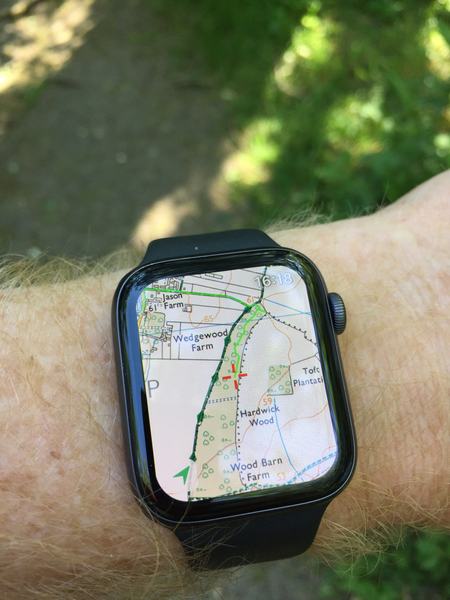
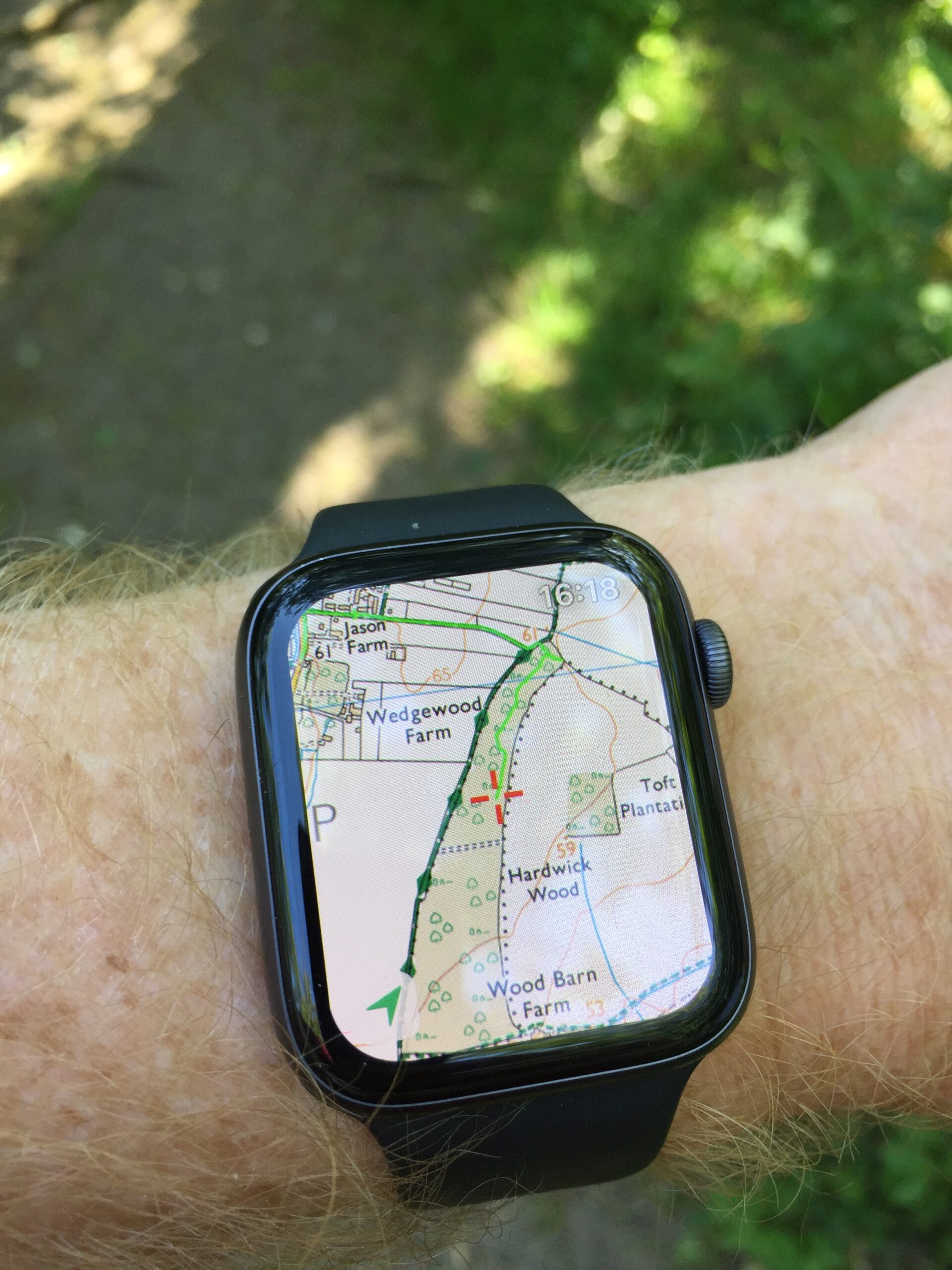
I could have used this in the past, had I discovered it, but it's also vastly improved by my recent purchase of a Series 4 watch to replace my Series 0, which means that when I raise my arm to look at my watch, things actually appear before my arm gets too tired and has to be lowered again. In fact, while testing it on this afternoon's dog walk, it was effectively instantaneous. Where does this footpath to the right go? Let me just glance at my wrist - ah, OK. You can scroll around, zoom in and out etc, but most of the time, all I needed was a quick glance: no unlocking, no soggy touchscreen. (It also looks amazing, but I think that's mostly because of another recent purchase: a new and expensive pair of spectacles!)

All of which makes me wonder whether, despite being at the opposite extreme in terms of screen size, I may after a decade have found an even better map viewer, at least in certain circumstances, than the iPad!

Coronavirus and cavemen

It seems only a few years ago that, when I walked around my house, the lights wouldn't turn on automatically! For younger readers, I should explain that in the past you actually had to go to a particular place on the wall and press a switch if you wanted to be able to see things!

Can you imagine the inconvenience if, say, you had your hands full at the time? And when you left the room, if you wanted to save power, you'd have to do the same thing again, and then repeat it as you went into the next room. So people had to install switches in all the places they thought they might go in and out of rooms. They had to come up with complex wiring schemes because you might want to turn lights on at the bottom of a staircase and turn them off at the top, when the upstairs and downstairs lights were normally on different electrical circuits!

It's hard to believe, in this era of easy home automation, that there are some people still living this caveman-like existence, but it's true, just as there are those who, when they want to listen to the news, turn a physical dial instead of just talking to their smart speaker! Those whose house doesn't know when they're in movie-watching mode, so they have to turn the TV on and off with a remote control.

This is, of course, terribly inconvenient for those people who still embrace the 'retro' approach to life, but now it has an extra drawback: every one of those switches, buttons, knobs is a hot-spot for potential virus transmission. How are those people meant to protect their family from infection if, carrying in groceries or deliveries from the outside world, they have to press a light switch that everybody else in the family is going to touch later that day? And if, without thinking, they draw the curtains by hand, how many hands will touch the same spot later?

And that's just home automation. When the lockdown is lifted, just imagine those poor people who have to go back to work in non-automated workplaces! The potential for contagion is terrifying.

But yes, my young friends, that's what the world really used to be like for most people! Amazing, but true.

The Ring cycle?

I have a Ring video doorbell. When there's movement in front of my door, or when someone rings the bell, it captures a brief video clip and saves it to the cloud.

It occurs to me that:

  • Amazon owns Ring.
  • Amazon delivers to my door.
  • Amazon could register that they had successfully delivered to my door by holding the delivery (or its barcode) up to the doorbell's camera.
  • Perhaps I should patent the idea?